
UI/UX design by Endi Saliaj
UX is how a product works: the steps, the flows and what comes first. UI is how it looks: layout, type, colour and every state of every screen. I do both, in Figma, for SaaS apps, dashboards and AI tools.
When a product feels hard, it is rarely one ugly button. It is a flow that asks too much, or a screen that hides the next step. I look at how people really use it first, then redesign the screens.
Good for Teams with a product that works but feels hard to use, or a new product that needs its screens.
What you get
- A UX review Where people get stuck today, from session recordings in Microsoft Clarity and your data.
- Flows and wireframes The steps of each task, simple first.
- High-fidelity screens Clear screens in light and dark mode, with hover, empty, loading and error states.
- A clickable prototype To test with users and show the team.
- Handoff Specs and components a developer can build from.
- +24%conversion rate on LanderLab
- −48%frustration clicks (Microsoft Clarity)
- +72%development team efficiency
The work

LanderLab editor· LanderLab
A UX case study: how the LanderLab editor became predictable, and what it changed.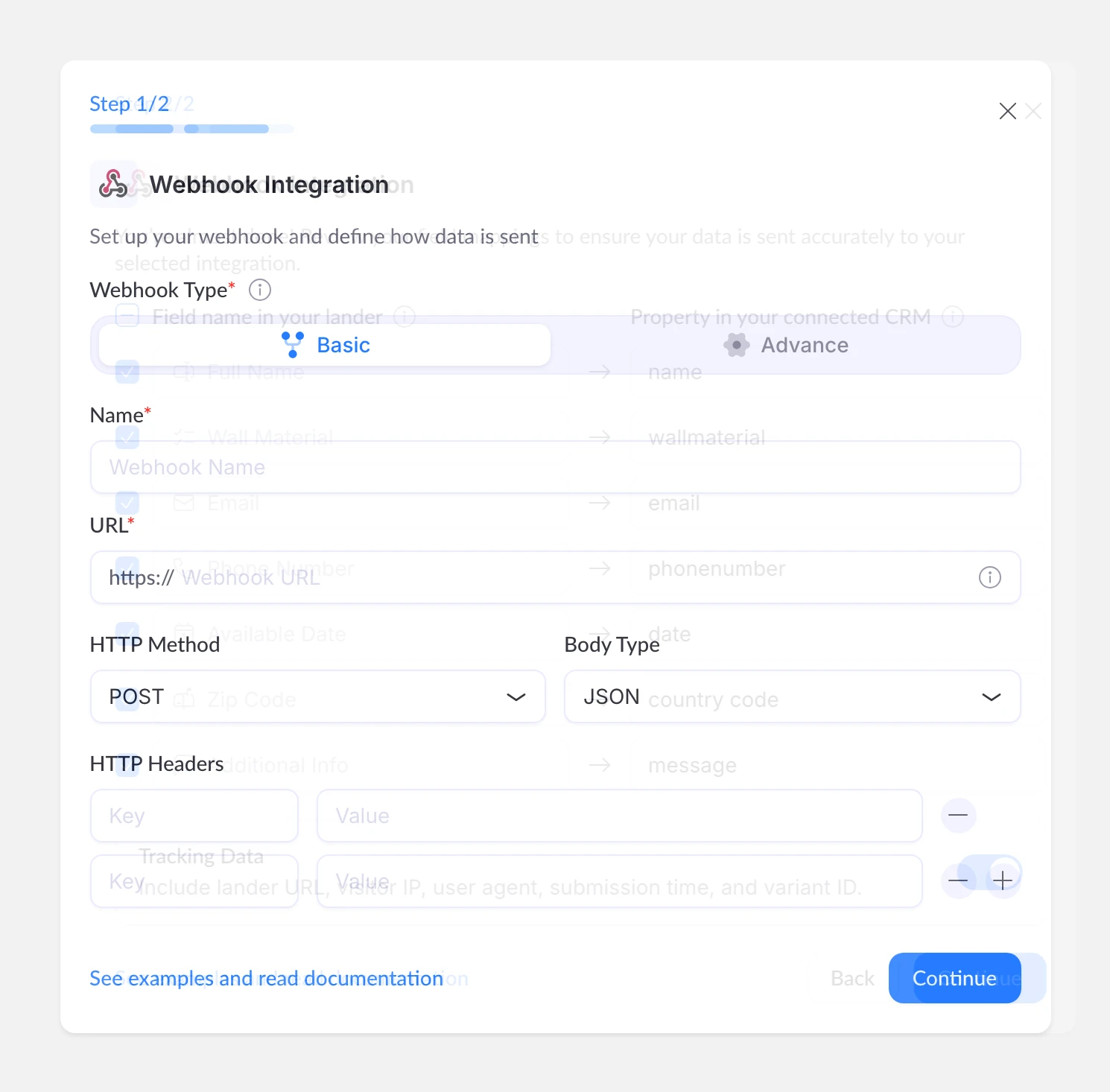
Webhook integration· LanderLab
The webhook setup in LanderLab, in two steps: where the leads go, then which field goes where in your CRM.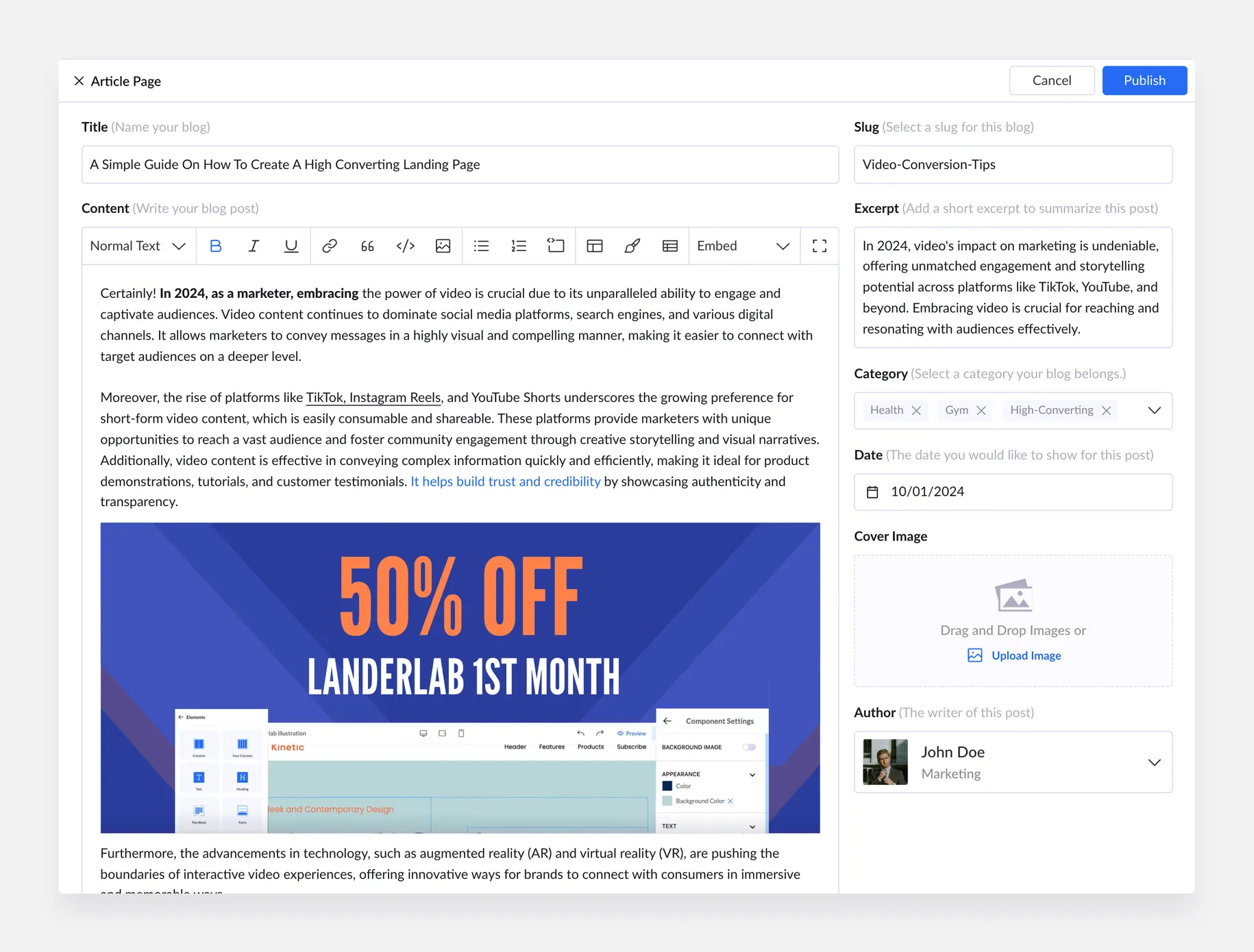
Blog editor· LanderLab
The LanderLab CMS window for writing a blog post: the text, a banner, and the details on the side.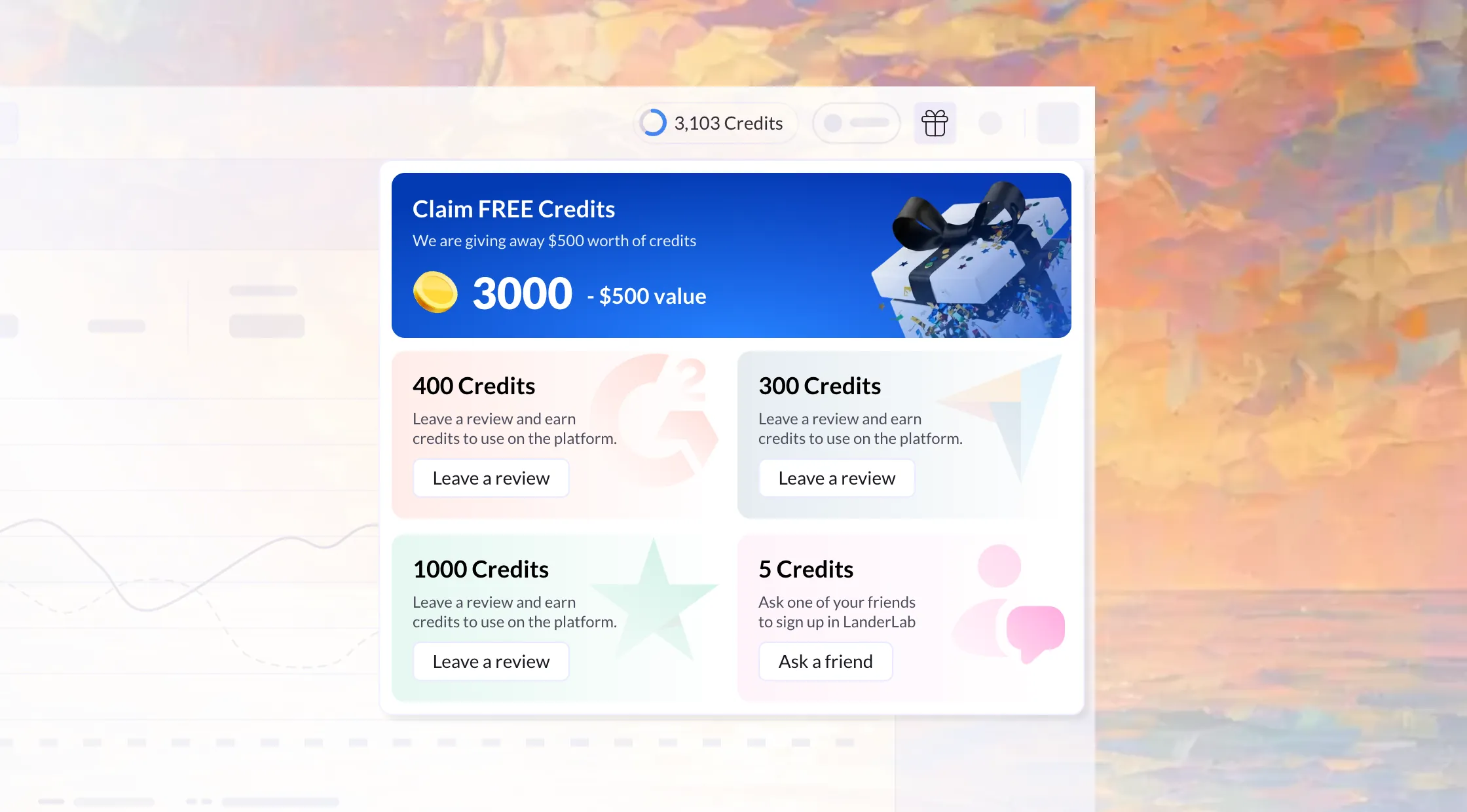
Gifts for reviews· LanderLab
A gift in the LanderLab top bar: leave a review of the product and get free AI credits.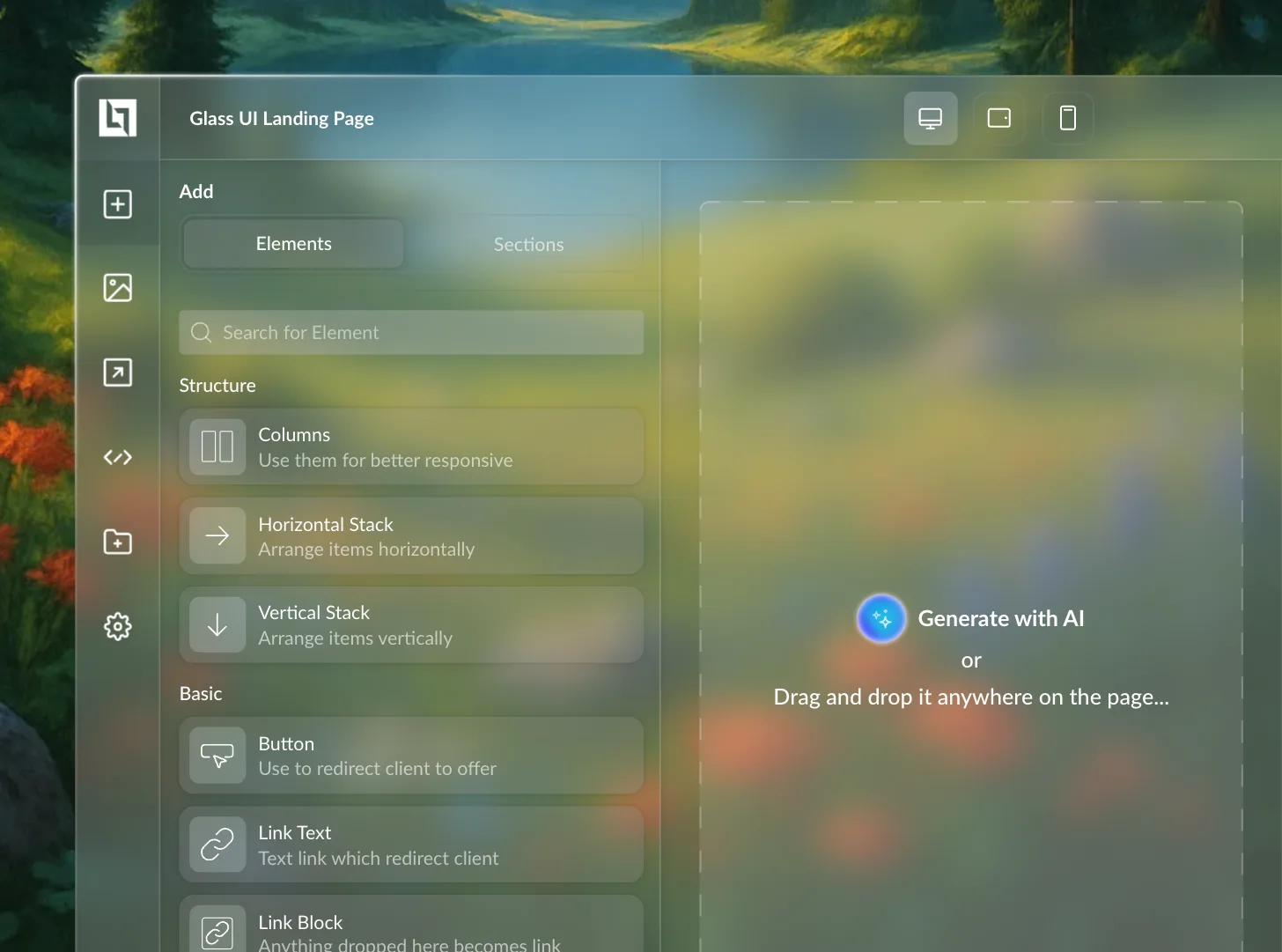
Glass editor· LanderLab
The LanderLab page editor made of frosted glass, over a mountain meadow: drag an element onto the page.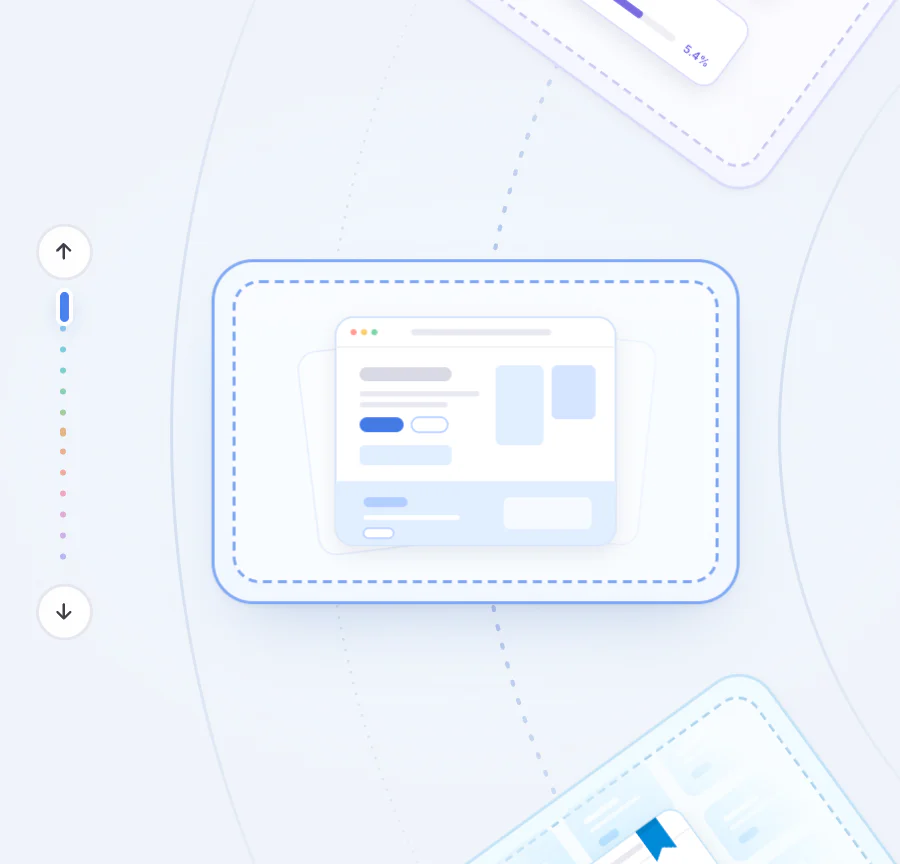
Empty states· LanderLab
Thirteen LanderLab empty states on a turning wheel, each drawn in code and moving the way its screen works.How it goes
- 01
Understand
Who uses the product and where they get stuck.
- 02
Map
Flows and wireframes, agreed before the look.
- 03
Design
High-fidelity screens on a design system.
- 04
Ship
With the developers until it is live.
Questions
- Which tools do you use?
- Figma for design and prototypes, Microsoft Clarity to see how people use a product, and HTML, CSS and JavaScript for coded prototypes.
- Do you do user research?
- Yes, as much as the project needs: user calls, session recordings and the product data.
- Can you work on our existing design?
- Yes. Most of my work is improving products that are already live.
- Where are you based?
- I live in Tirana, Albania, and work with teams in Albania and abroad, remotely, in English or Albanian.
Start a project
Tell me about your project
Send an email to endisa1999@gmail.com with a few lines: what you do, what you need, links to what you have now, and when you need it.